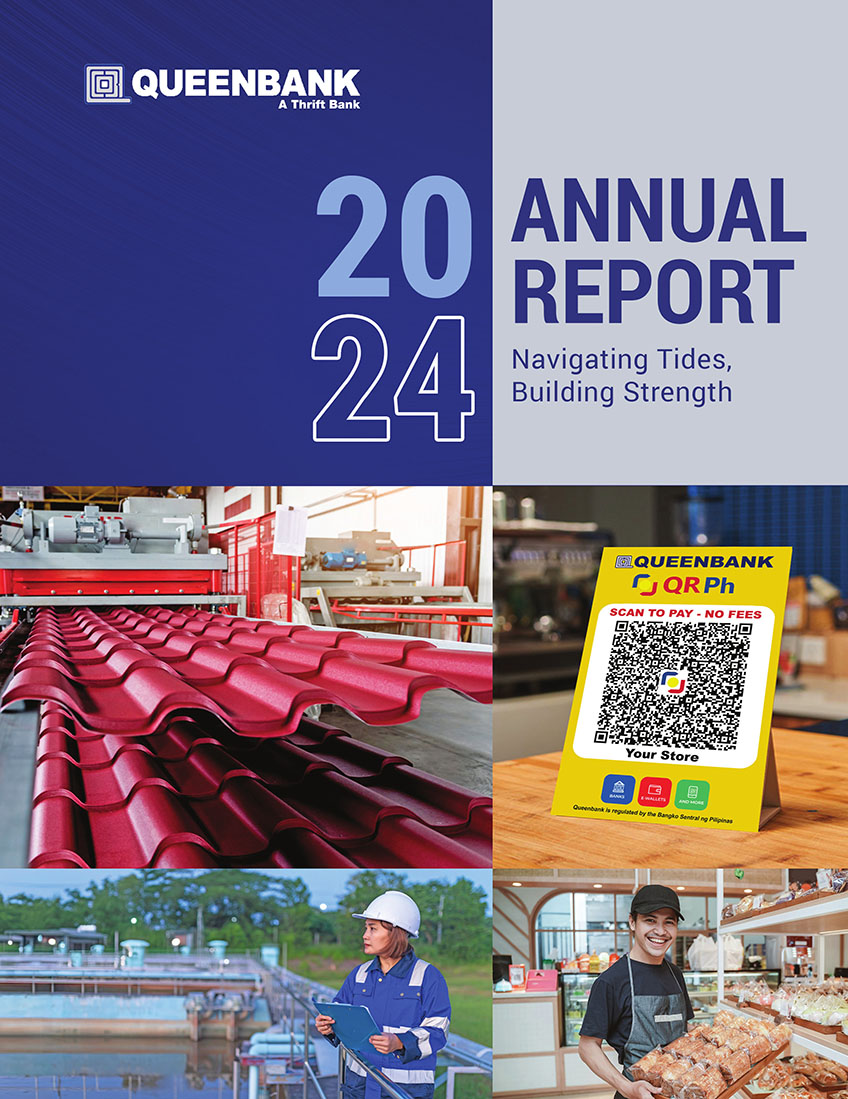
Navigating Tides, Building Strength
In an era characterized by global economic uncertainties, extreme weather events, and geopolitical shifts, the ability to navigate challenges and maintain a growth trajectory is important. Queenbank remains steadfast in its commitment to fostering resilience, empowering both individuals as well as entrepreneurs and SMEs to withstand economic fluctuations and build endurance. The Philippine economy's growth in 2024, despite external headwinds, underscores the nation's inherent capacity for perseverance, largely driven by the dynamism of its small and medium-sized enterprises. Queenbank actively contributes to this resilience by providing targeted financial solutions and unwavering support.
Strategic government initiatives aimed at mitigating the impact of phenomena such as El Nino, ensuring food security, and stabilizing inflationary pressures create a more stable operating environment for our clients. Queenbank aligns its services to complement these efforts, offering tailored loan products and financial advice to help individuals and SMEs proactively manage potential risks, adapt to evolving economic landscapes, and fuel innovation and expansion.
"Navigating Tides, Building Strength" encapsulates Queenbank's enduring mission: to be a reliable partner that empowers Filipinos, particularly its entrepreneurial spirit embodied in SMEs, to not only weather economic uncertainties but also to emerge stronger and more prosperous.

Stay informed and make responsible financial choices with the Bangko Sentral ng Pilipinas’ Protect Your Money campaign.
Knowing your financial rights, understanding your available options, and staying alert to potential risks can help you make informed decisions and keep your hard-earned money safe.
Stay informed. Stay vigilant. Be a smarter financial consumer.
#ProtectYourMoney #FinancialAwareness #SmartMoneyChoices
A proud member of BancNet and PDIC. Deposits are insured by PDIC up to P1 Million per depositor.
Queenbank is regulated by the Bangko Sentral ng Pilipinas.
FAST, SECURED, RELIABLE, AND SIMPLIFIED BANKING
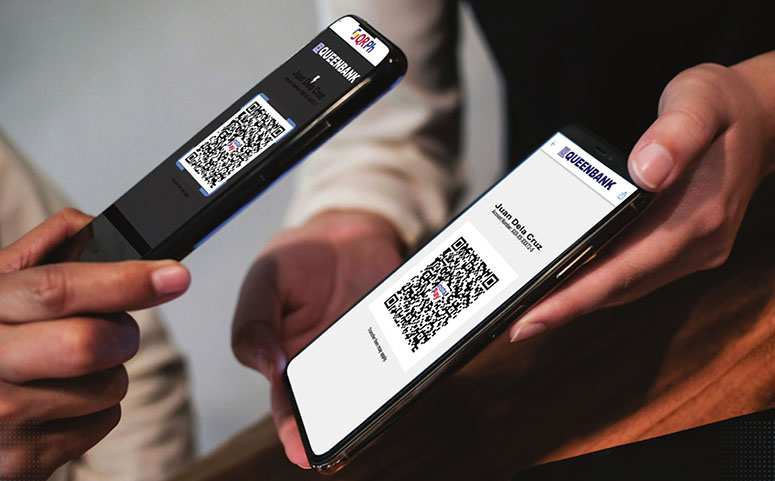
Queenbank’s Person-to-Merchant (P2M) service promotes a secure, efficient, and convenient cashless payment ecosystem for individuals and merchants in the Philippines.
Payments are initiated by the payer scanning the merchant’s QR code using a mobile app linked to a QR Ph-participating bank.
Benefits:
• Faster Transactions: Skip the lines and pay in seconds with P2M.
• Enhanced Security: Eliminate the risk of carrying cash and avoid the hassle of counting change. Transactions are secure and encrypted.
• Convenience for Merchants: Reduce cash handling and streamline your checkout process. Queenbank’s P2M is perfect for businesses of all sizes.
Merchants can sign up with Queenbank by submitting an application form, agreeing to the Merchant Agreement, and having an existing account. There are no charges for senders using P2M, while merchants pay a competitive rate depending on the agreed-upon terms. Plus, there’s no transaction limit, allowing for greater flexibility.

Queenbank's mobile banking app has transformed the way clients access the bank's services. With 24/7 availability, customers can conveniently transfer funds between Queenbank and other banks, view real-time
exchange rates, generate personal QR codes, and link their accounts to e-Wallets. To start using the app, clients can enroll their accounts at their mother branch and receive assistance from Queenbank's customer service associates.
The bank's dedicated team of IT experts is available 24/7 to address any concerns or technical issues that may arise, further bolstering the safety and reliability of the mobile banking experience.
-

1. Download the mobile app via Google Play Store (Android phones) or App Store (iPhones). Make sure your internet or mobile data is on.
2. Click Install (for Android users) or Get (for iOS users) to install the Queenbank mobile app.
3. Click the Open button to open the app.
4. Click the Enroll Now button to register. Fill in your personal details. Make sure everything is correct before clicking the Register button.
5. Click the Terms and Conditions and read through them before clicking I Agree.
6. Your initial password will be sent to your registered mobile number. Use this to log in with your username in the app.
7. Type in your new password and click Change. “Password changed successfully” will appear.
8. Log out of the mobile app. Once again, log in to the app with your registered username and password to complete the process.
9. Log out of the mobile app. You’re done!
Digitalization has also improved Queenbank’s internal processes. For example, loan bookings and payments have become more convenient and accurate. Once the loan is released, everything else is automated: interest computation, notification when the loan is due or when it matures, and payment deduction.
These are some of the results of Queenbank’s core banking system project that started in 2018. Queenbank continues to innovate in order to meet its clients’ changing needs and secure their hard-earned money.
-

HEAD OFFICE
Address:
Queenbank Financial Center
Sky City Tower, Mapa Street, Iloilo CityContact Number:
PLDT (033) 336.8052-56
GLOBE (033) 509.8055 loc 1017Email:
customer_service@queenbank.com.ph24/7 Customer Service Hotline:
(033) 501.2403 -
QUEENBANK AFFILIATES
 Deposits are insured by PDIC
up to ₱1 Million per depositor.



-
ACCREDITATIONS

-
QUEENBANK MOBILE APP
Download Now!


Follow Us